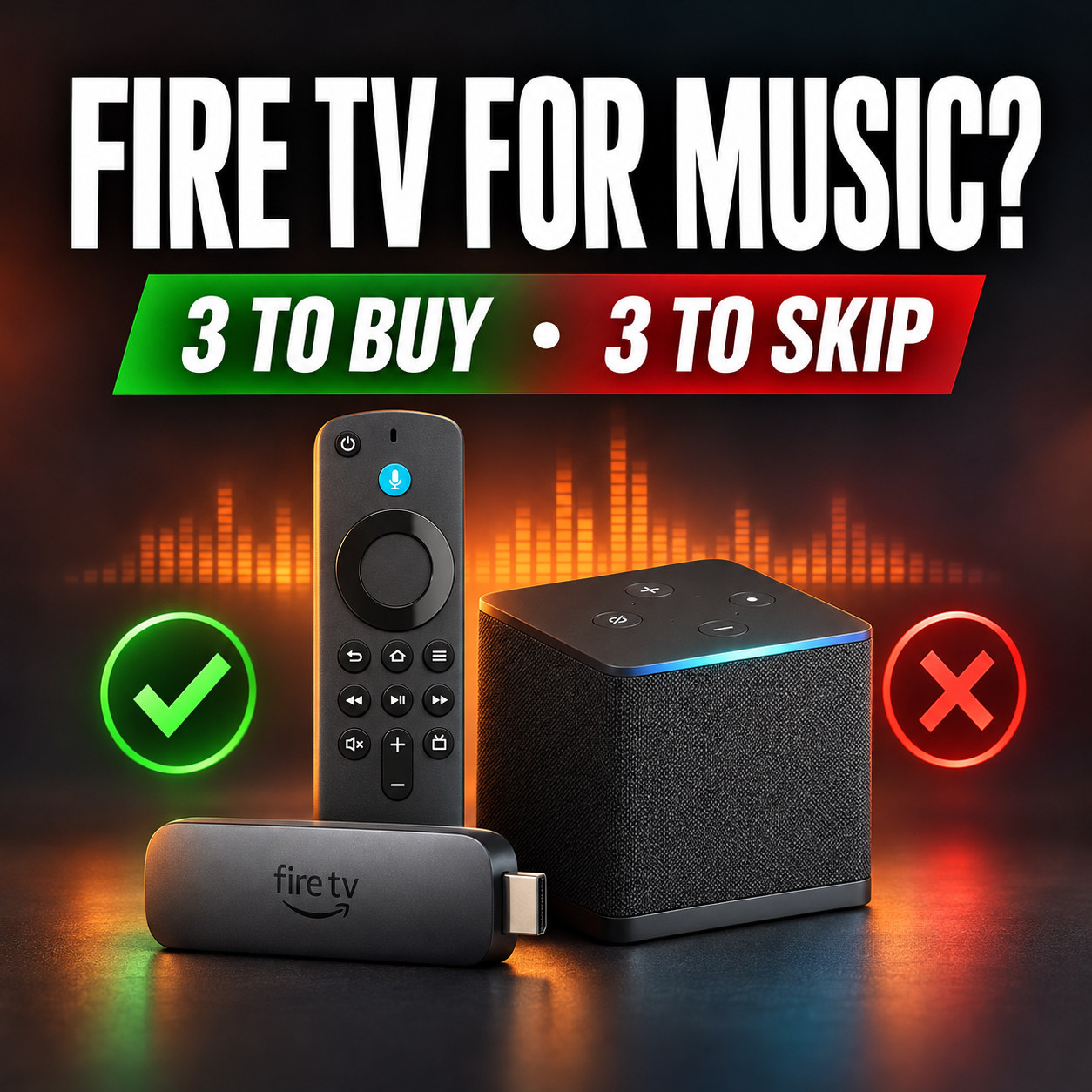
For a music system, buy the Fire TV Stick 4K Plus, the Fire TV Stick 4K Max or the Fire TV Cube, and skip the Fire TV Stick HD (2026), the Fire TV Stick 4K Select and the Fire TV Stick 4K (3rd gen, 2026). The first three run Fire OS, which is Android-based and lets you install apps from outside Amazon’s store. The other three run Amazon’s newer Vega OS, which does not.
The names are close, and the Stick HD exists in both versions, so check the exact model before you pay.
Quick answer
- Best for: the 4K Max for most music systems, the 4K Plus for a tight budget or a second room, the Cube for a wired connection or a cable box.
- Standout: all three keep sideloading, and Amazon’s developer specifications list PCM up to 24-bit/192 kHz for the 4K Plus and 4K Max.
- Watch out for: the same product name can hide a different operating system. The Stick HD ships in a Fire OS version and a Vega OS version.
- Compared to: a purpose-built streamer such as the Fosi Audio S3 is built for hi-fi, while a Fire TV Stick sends its audio over HDMI.
- Bottom line: if you want to keep every option for music apps, buy one of the three Fire OS models now. A Vega stick can run the big apps in Amazon’s store, but it cannot take anything else.
Checked 2026-11-06. Facts about which models run which operating system come from AFTVnews (April 17 and October 5, 2026) and BGR (June 29, 2026). Hardware specifications come from Amazon’s developer documentation and Amazon’s product pages and comparison table.
We did not test or measure any Fire TV device. We did not check the audio specifications of the three Vega sticks. Amazon may release new models after this date. Prices are left out because Amazon changes them often.
What changed with Fire TV Sticks
Amazon is moving its sticks off Android. AFTVnews reported on April 17, 2026 that Amazon’s Fire TV developer page says all future Fire TV Sticks will run Vega OS, starting with the Fire TV Stick 4K Select. BGR describes Vega as Linux-based, and AFTVnews says it runs only apps from Amazon’s Appstore, with no sideloading and no Downloader app.
Three sticks run Vega OS: the Fire TV Stick 4K Select (2025), the 2nd-gen Fire TV Stick HD (2026) and the 3rd-gen Fire TV Stick 4K (2026), according to AFTVnews’ list of October 5, 2026. The Fire TV Stick 4K Plus, the 4K Max and the Fire TV Cube still run Fire OS, and so do smart TVs with Fire TV built in. Amazon’s statement names sticks, not the Cube, so we cannot say what a future Cube will run.
The three Fire TV devices we recommend for music
All three run Fire OS and allow sideloading, so you can install a music player that Amazon’s store does not carry. Amazon’s developer specifications list PCM audio up to 24-bit/192 kHz with up to 8 channels, Dolby Atmos and DTS pass-through for the 4K Plus and 4K Max. That page does not list the Cube. Those figures describe what the hardware can output. Whether you hear Hi-Res also depends on the app, your subscription tier and the receiver after the stick.
| Device | Software | Storage and Wi-Fi | Wired network | Pick it when |
|---|---|---|---|---|
| Fire TV Stick 4K Plus | Fire OS, sideloading allowed | 8 GB, Wi-Fi 6 | 10/100 Ethernet through an external adapter | You want the lowest-cost way in, or a stick for a second room. |
| Fire TV Stick 4K Max | Fire OS, sideloading allowed | 16 GB, Wi-Fi 6E | 10/100 Ethernet through an external adapter | You want one stick for a main system. Our pick for most people. |
| Fire TV Cube | Fire OS, sideloading allowed | 16 GB, Wi-Fi 6E | Built-in Ethernet port | You want a wired connection without an adapter, hands-free Alexa, or a connection for a cable box or game console. |
Source: Amazon’s developer specifications and Amazon US product pages, checked 2026-11-06. Our product page for all three, with Amazon’s full comparison table, is Amazon Fire TV Stick 4K Plus, 4K Max and Fire TV Cube.
The three we skip, and why
| Device | Software | Sideloading | How to spot it |
|---|---|---|---|
| Fire TV Stick HD (2nd gen, 2026) | Vega OS | Not supported | Wi-Fi 6, rounded stick corners and “Fire TV” text on the stick |
| Fire TV Stick 4K Select (2025) | Vega OS | Not supported | Named Fire TV Stick 4K Select, released in 2025 |
| Fire TV Stick 4K (3rd gen, 2026) | Vega OS | Not supported | “4K” printed next to the HDMI plug, in a white box |
Source: AFTVnews and BGR. Amazon’s own listings for these sticks carry a notice that they do not allow installing apps from unknown sources.
For a music system that is a real limit, for three reasons:
- You can use only the music apps that Amazon has published for Vega. A player that exists only outside Amazon’s store cannot be installed.
- If Amazon removes an app or never lists it, it stays missing. On Fire OS you can install it yourself.
- Amazon’s statement covers all future sticks, so we do not expect a cheaper Fire OS stick to appear later.
If the big apps in Amazon’s store are all you need, a Vega stick may be enough. Check that your music app is available for it before you buy. We still recommend against Vega sticks for a music system because we would rather you keep the choice.
Same name, different software
The mix-up to watch for is the Fire TV Stick HD. According to AFTVnews, the 1st-gen version (2024) shows Wi-Fi 5 on the front of the box, has square stick corners and no “Fire TV” text, and runs Fire OS. The 2nd-gen version (2026) has Wi-Fi 6 and rounded corners and runs Vega OS. BGR gives the same split: only the Wi-Fi 5 edition runs Fire OS. We have not reviewed the Stick HD in either version, so it is not on our recommended list.
The three buttons at the bottom of this page go to the exact Amazon listing for each recommended model. Before you pay, read the model name and generation on the page, especially on a marketplace seller or a used stick.
If you already own a Fire TV Stick
AFTVnews says there is no indication that Fire OS devices already in homes will lose sideloading, and we have seen no statement from Amazon saying otherwise. To see what a stick runs, open Settings, then My Fire TV, then About, and compare the software version with the guide in the AFTVnews article.
A note on sideloading and safety
Sideloading is the reason we prefer these three devices, and it has risks. Two recent AFTVnews reports show why. On November 2, 2026 it covered App Cloner, a sideloadable app that Amazon removed from its store and that a Reddit user says sells access to the owner’s home internet connection through proxyware. On November 3 it covered a botnet backdoor that Google said ran through Android streaming boxes made by Videostrong Technology and sold under many brand names.
Our view: install apps only from sources you trust, and buy streaming devices from a retailer you trust.
Where a Fire TV Stick fits, and where it does not
A Fire TV Stick sends audio over HDMI. Plug it into an AV receiver such as the Onkyo TX-RZ50, or leave it on your TV and use the TV’s ARC or eARC output. If you need a streamer with its own outputs for a DAC or an amplifier without HDMI, a purpose-built device is the better tool. Start with the Fosi Audio S3, the WiiM Ultra or the rest of our streamers.
Disclosure: some links on this page are affiliate links. We may earn a commission at no extra cost to you, and as an Amazon Associate we earn from qualifying purchases. Prices are not shown because they change.
Update log
2026-11-06: first version. Model list and operating systems checked against AFTVnews and BGR; specifications checked against Amazon.
Sources
- AFTVnews: Fire TVs that do not support sideloading or Downloader due to Vega OS, October 5, 2026.
- AFTVnews: Amazon confirms all future Fire TV Sticks will run Vega OS, April 17, 2026.
- BGR: Avoid buying these Fire TV Stick models if you want to sideload apps, June 29, 2026.
- Amazon developer documentation: Fire TV streaming media player device specifications.
- AFTVnews: App Cloner sells access to your internet connection through proxyware services, November 2, 2026.
- AFTVnews: MECOOL and other certified Android streaming boxes found to have botnet backdoor from the factory, November 3, 2026.
- Amazon US product pages and comparison table for the three recommended devices, checked 2026-11-06.